
"More than a Browser." Watch on YouTube →
"We Asked People." Watch on YouTube →
The term "Lucid" means expressed clearly; easy to understand. and literary-wise bright or luminous.
Where Aquin Began: The Browser That Taught Us Everything
Every great company has an origin story. Ours started with a browser. Not just any browser—an AI-powered experiment that reimagined how people interact with the web. We spent months building features that pushed boundaries, learning what users actually needed, and discovering what the future of productivity really looks like.
Watch: We're Building a Browser →
This was our first chapter. What we're building now is even better.
We Reimagined Browsing
Watch: New Concept of Browsing Explained →
Watch: We Reimagined Browsing →
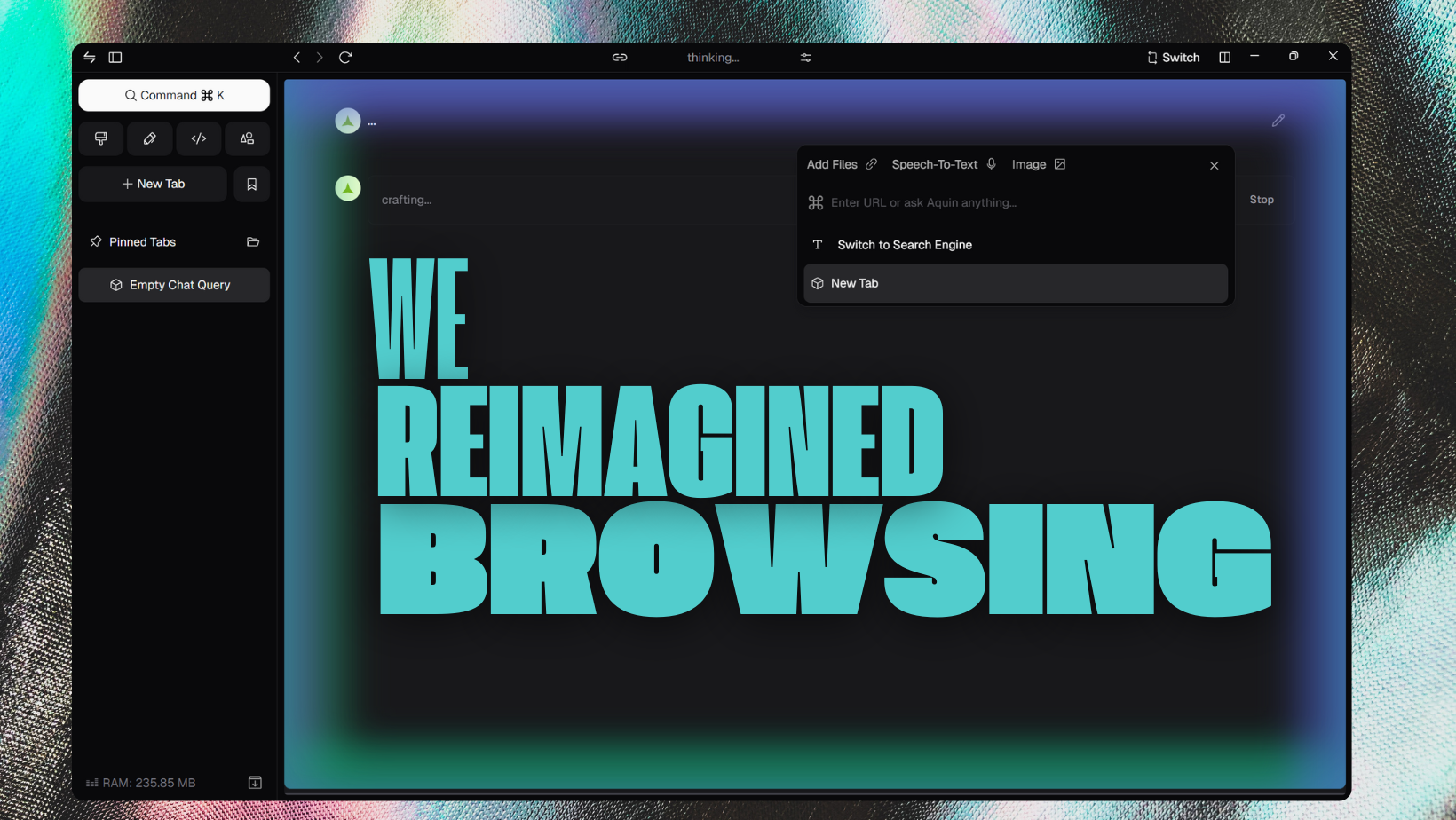
The core innovation was simple but radical: two instances within a single tab—an AI search engine and a website viewer in perfect harmony. No more tab chaos. Just seamless transitions between AI-powered search and traditional browsing, controlled by a simple switch button.
AI Search Engine: Intelligence That Understands
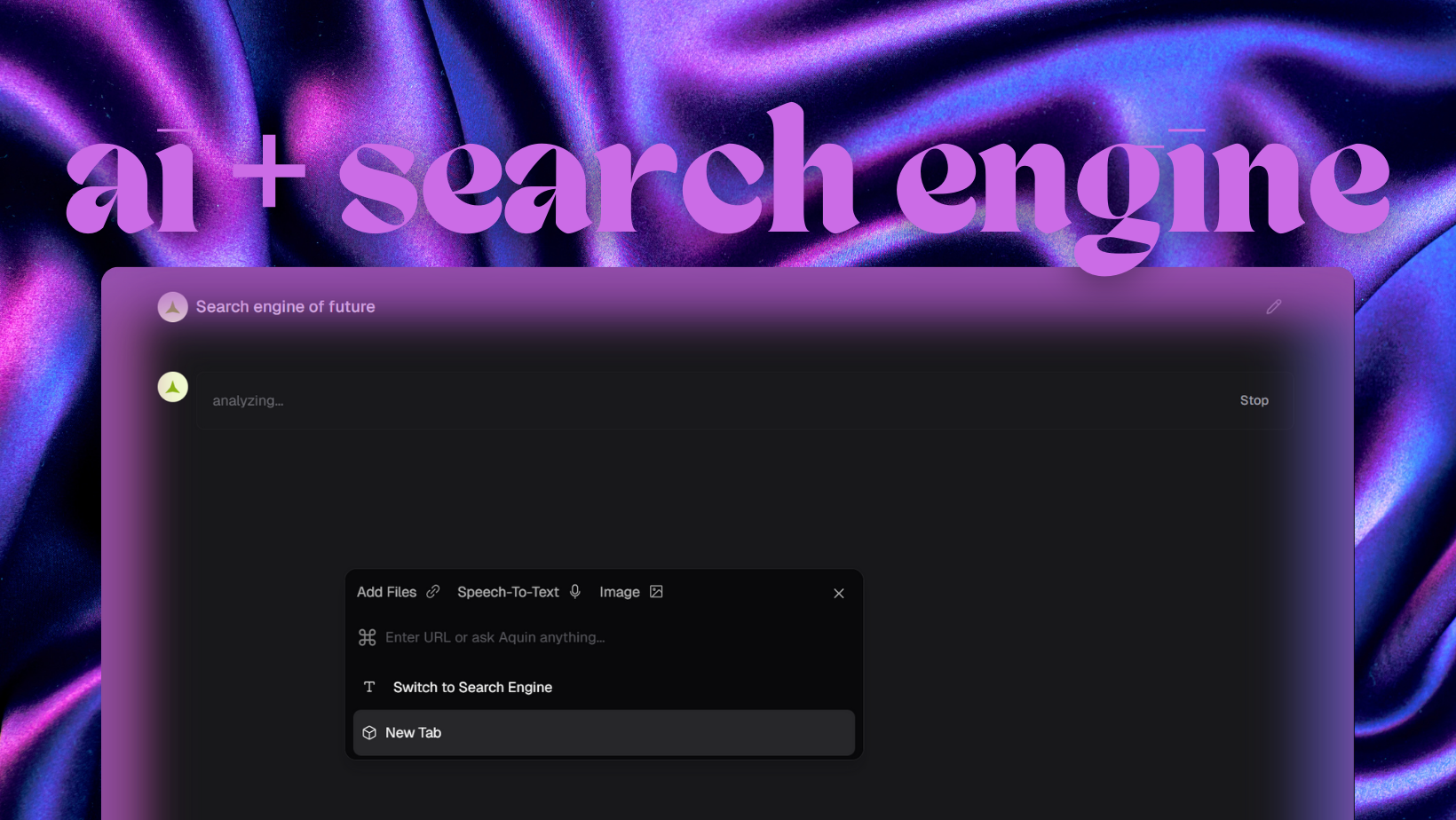
We didn't build another search tool. We built a conversation partner. Draggable commands, editable search history, and the ability to regenerate results on the fly. Every search became the beginning of a dialogue.
Talk to Your Searches
Watch: Talk to Your Searches →
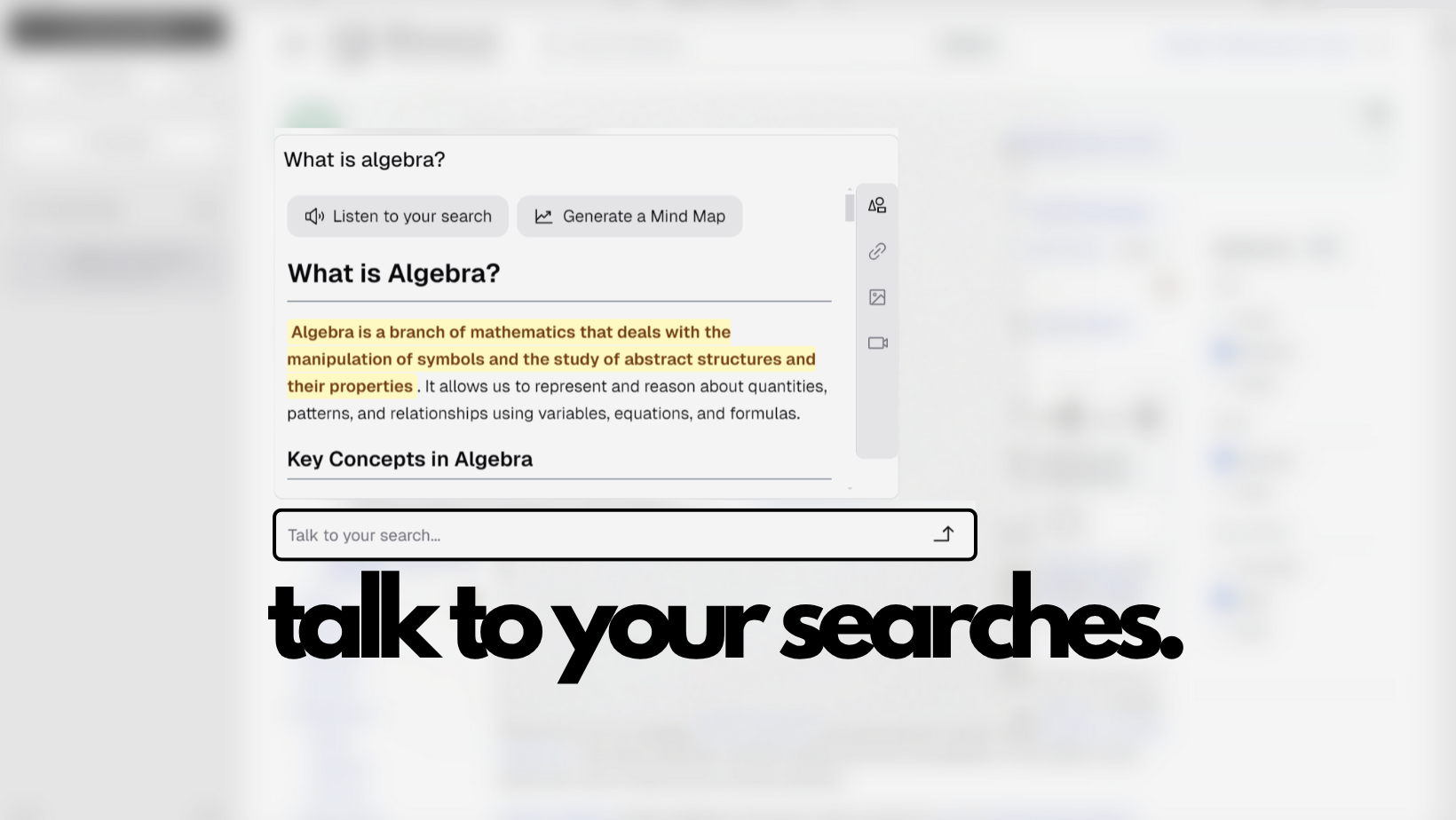
Traditional search engines retrieve. AI chatbots converse. We merged both with followup chat—where every search understood context and evolved with your curiosity. Real understanding through iterative exploration.
The AI didn't just find information—it created the perfect way to display it. Custom visualizations, generated tables and charts, adaptive presentation based on content type. Financial intelligence with stock screeners and market heat maps. Geographic integration for location-based queries. Technical expression with code blocks and LaTeX support.
Visual Intelligence
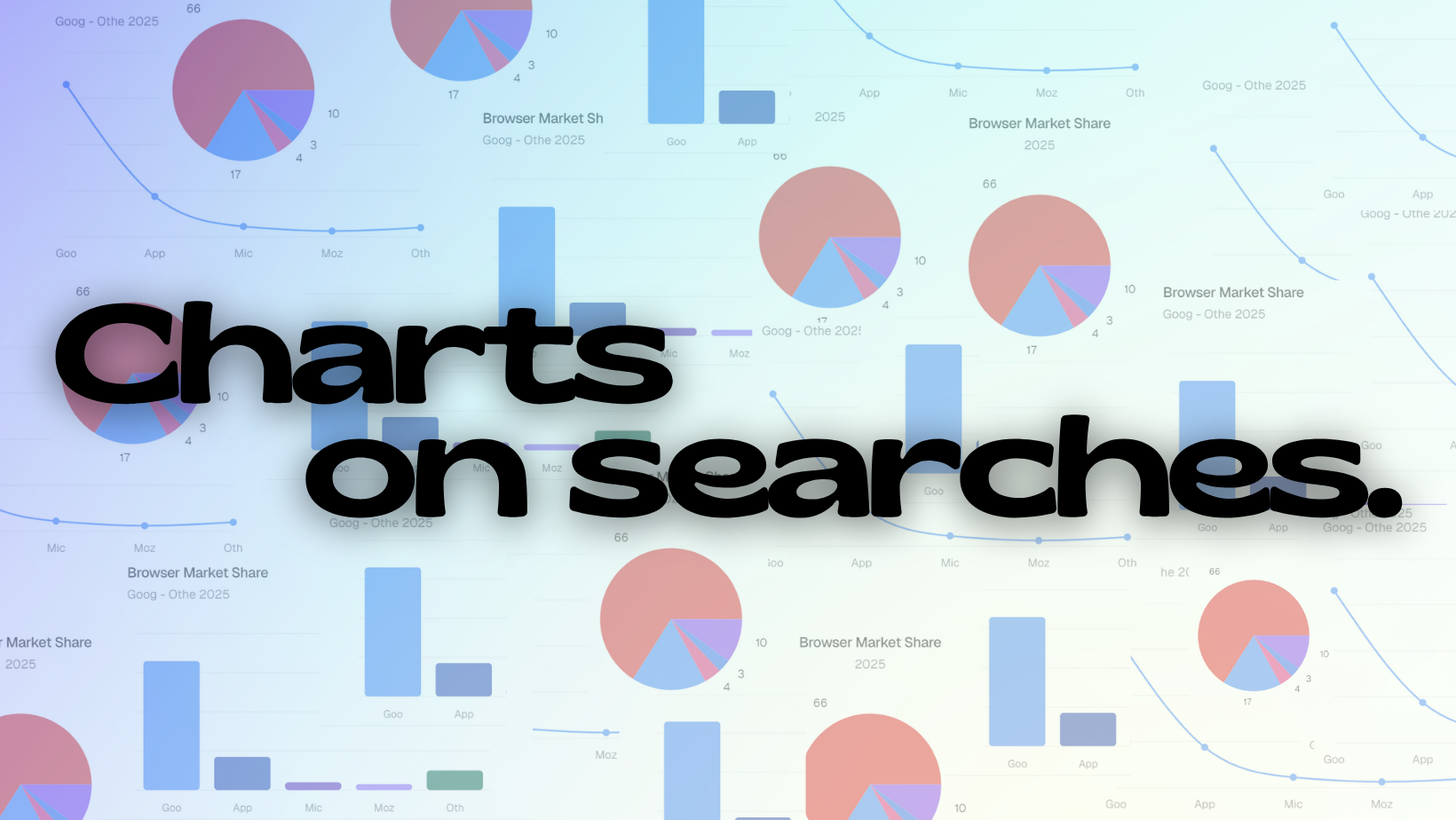
Search returned data? The AI generated appropriate visualizations instantly. Bar charts for comparisons. Line charts for trends. Pie charts for proportions. Search became a data-understanding tool, not just a data-gathering exercise.

We transformed linear search results into visual knowledge landscapes—flowcharts, timelines, concept maps, hierarchical breakdowns. The human brain processes visual information 60,000 times faster than text. We leveraged that.
Aquin Search: Intelligence That Flows Where Attention Goes
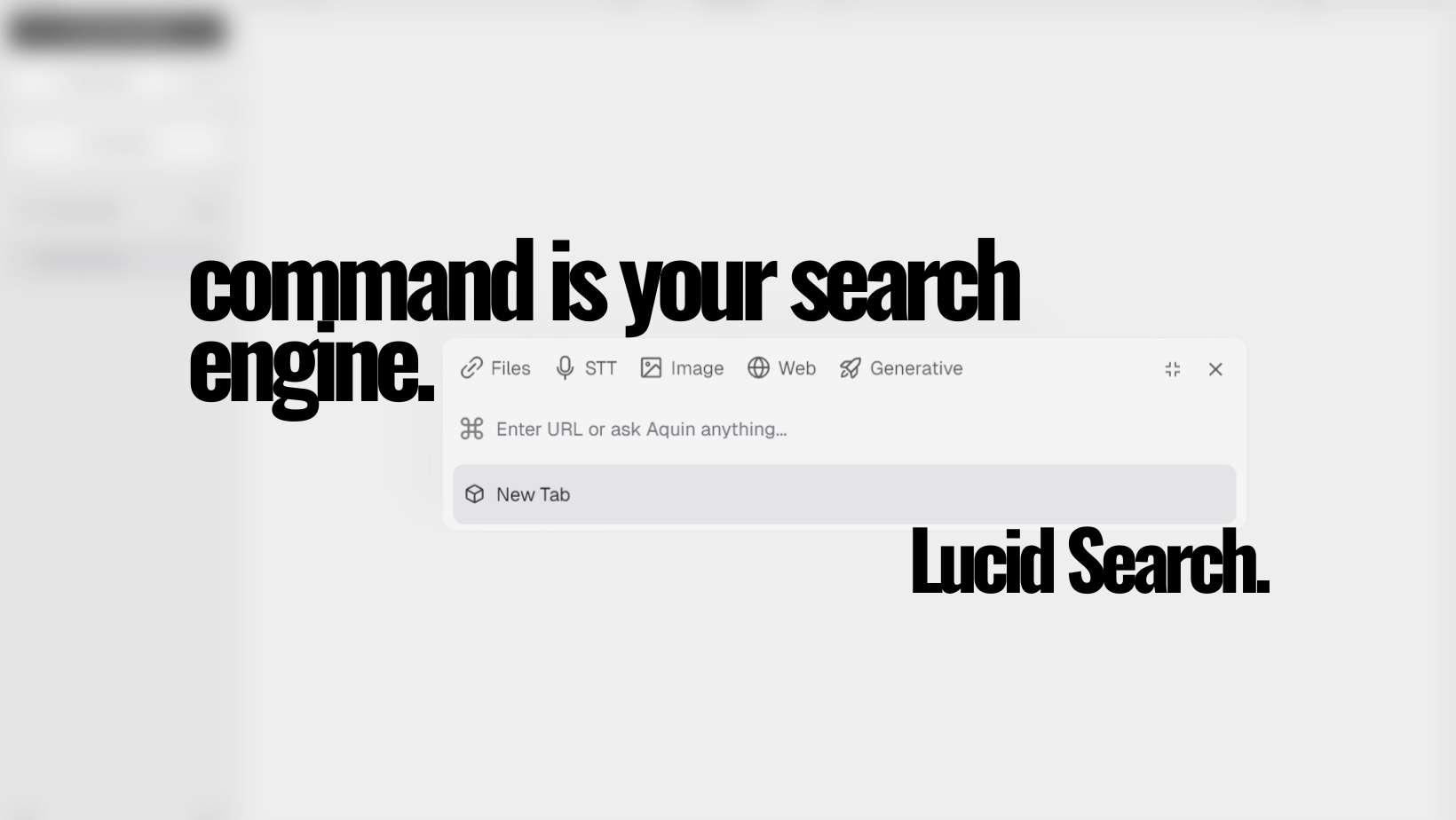
A floating textarea that embodied one principle: intelligence should flow where attention goes. Drag it anywhere. Maximize it for focused search with a blurred background. The search engine came to you instead of making you navigate to it.
Voice & Audio
We broke the typing barrier. Voice search let you speak queries directly. Audio file processing provided instant transcription. Natural language understanding across multiple languages and accents. Speaking is 3x faster than typing—we made browsers listen.
Capture and Search Web
Watch: Capture and Search Web →
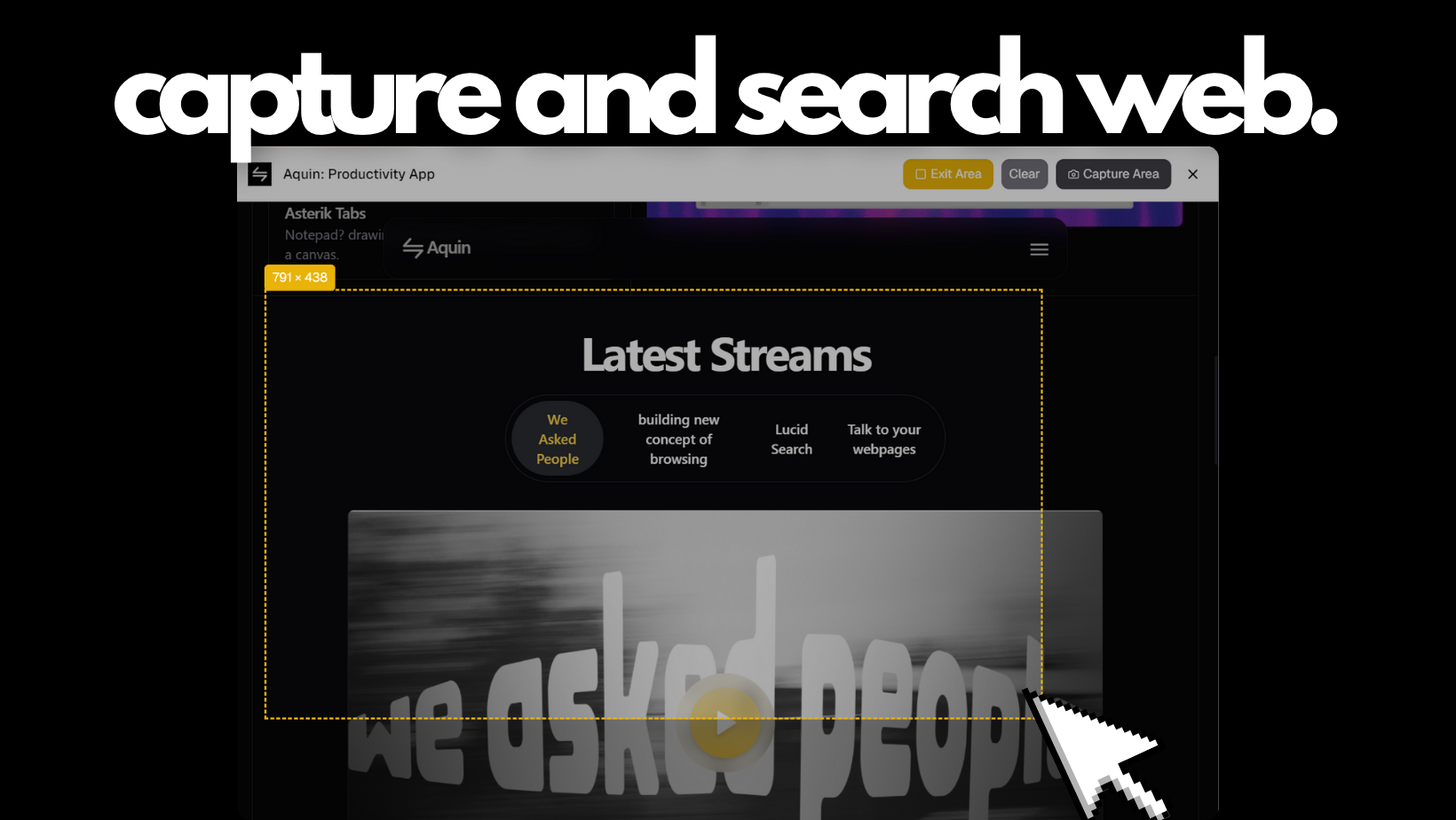
Visual moments became starting points for exploration. Select any portion of a webpage, add it to your AI search, find related images and sources, ask questions about what you captured. The image became the query—no translation necessary.
Talk to Tabs
Watch: Talk to Your Webpages →
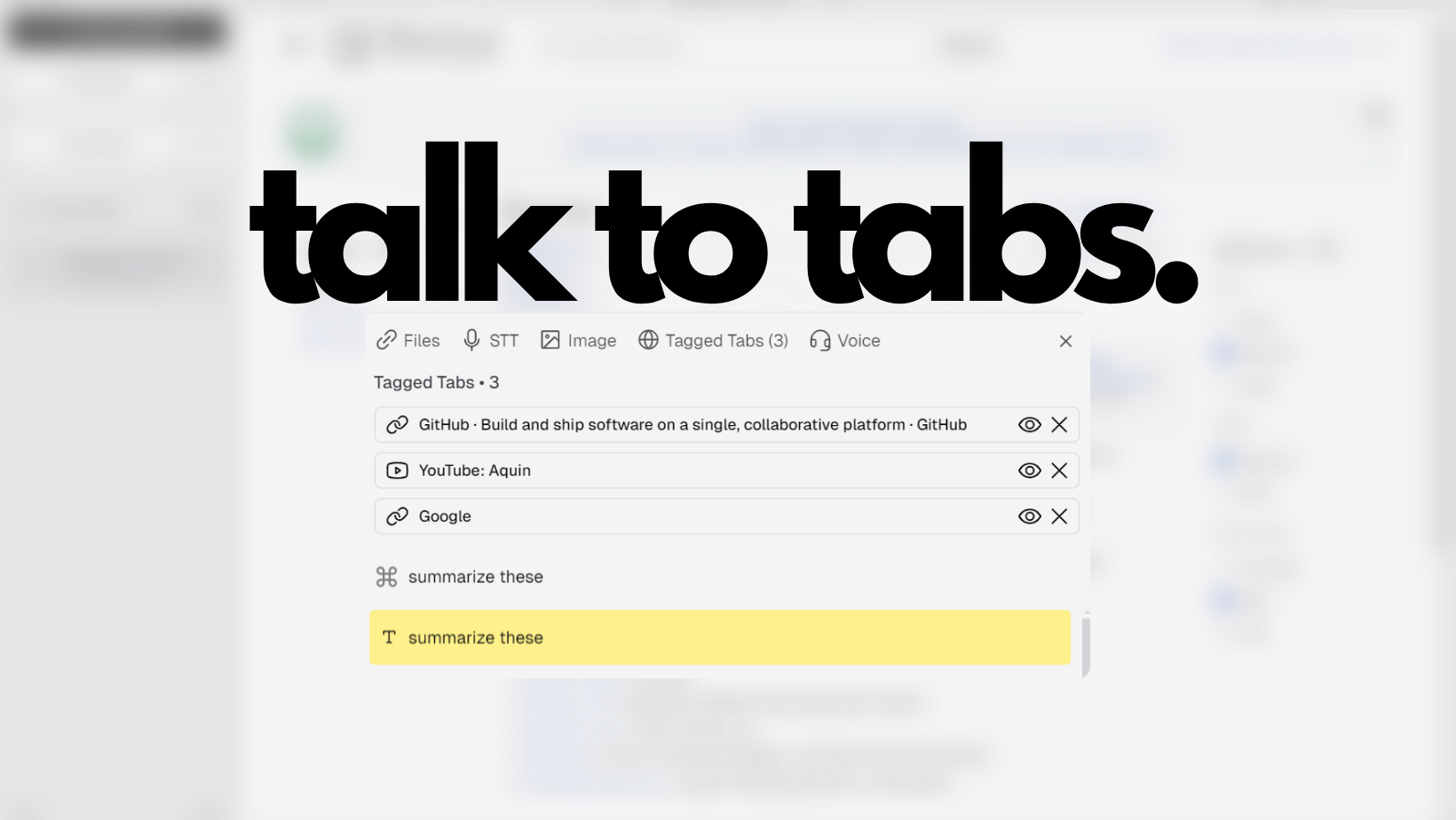
Select tabs to attach to your session. For regular websites: all text content, every link, page screenshots. For YouTube videos: embedded player plus complete transcripts. Ask questions across all attached content at once. Your browser became the librarian while you focused on asking better questions.
Talk to URLs and YouTube Videos
Watch: Talk to Your Webpages →
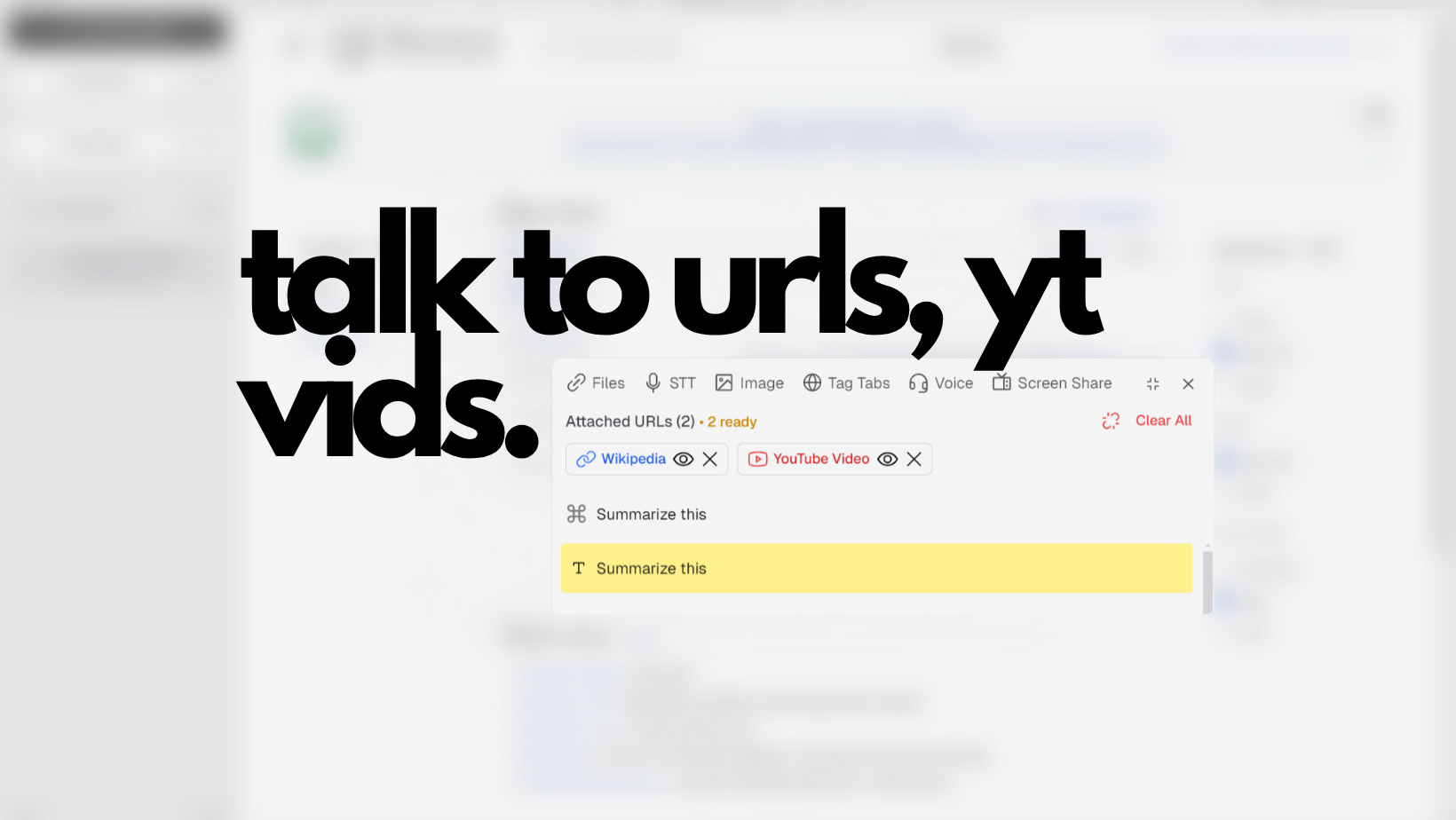
Input URLs and YouTube links directly into the command interface. Websites became readable and searchable. YouTube videos came with embedded players and full transcripts. Attach multiple sources and ask questions that pulled information from all of them simultaneously.
Ctrl+F: Not Just Finding, Understanding
Watch: Talk to Your Webpages →

The familiar search box, but with a chat button next to it. Click it and suddenly you're not just searching—you're having a conversation with the content itself. On webpages: get summaries, explanations, answers. On YouTube: find specific moments without watching the whole thing.
Asterisk Tabs: The Canvas Tab
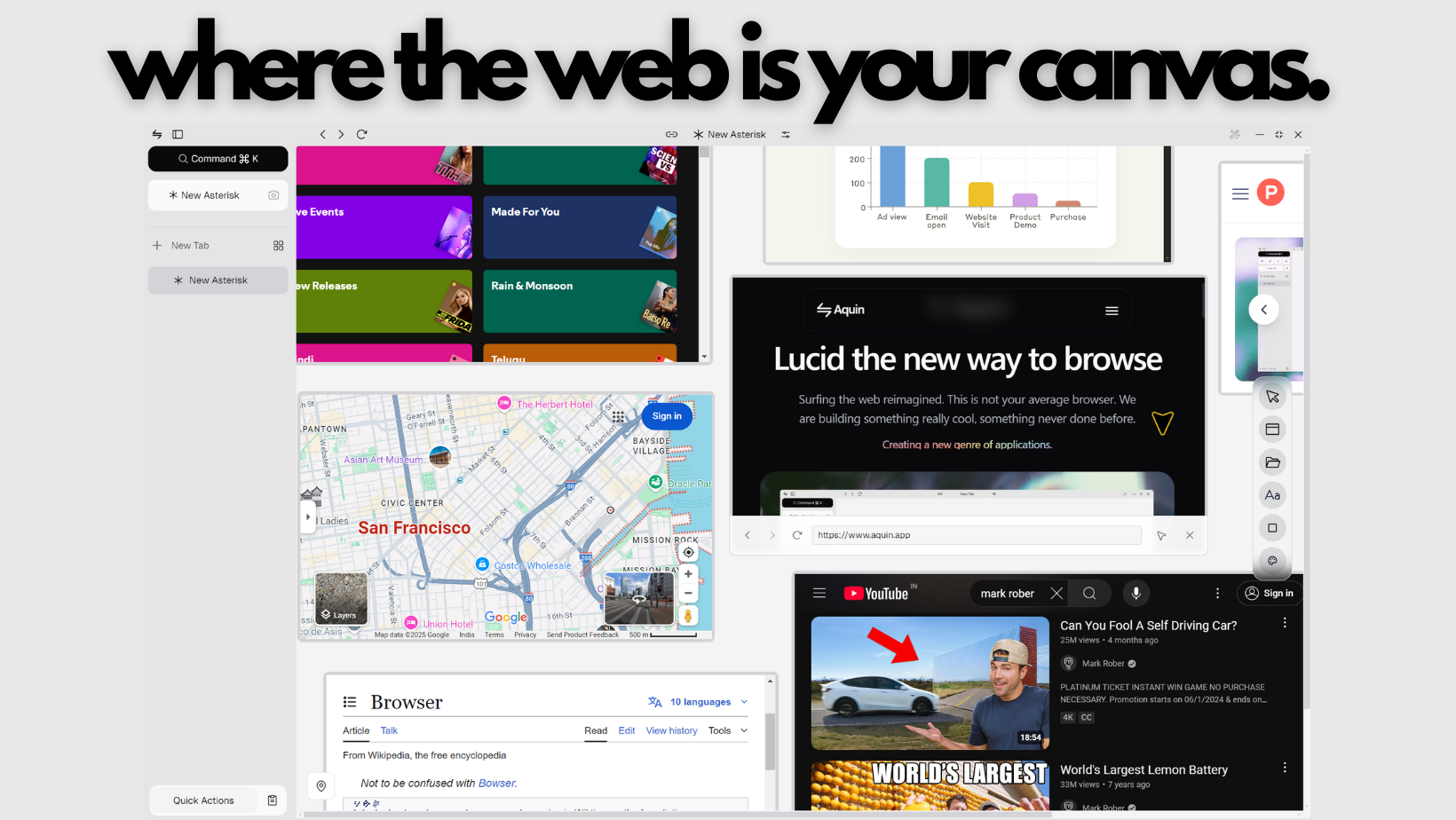
We questioned the fundamental assumption of rectangular tabs containing web pages. Asterisk Tabs became active workspaces where you could type directly, create lists, highlight text, draw shapes, sketch ideas, open local files, and navigate via minimap.
The breakthrough: spawn individual browser elements directly onto your canvas. Not screenshots—fully functional web browser instances that exist as objects within your workspace. Web content became modular and spatial instead of linear and isolated.
If traditional tabs are reading a book, Asterisk Tabs are having a research desk.
Picture-in-Picture: Complete Tabs
Watch: Picture-in-Picture But It's Not Just a Video Player →
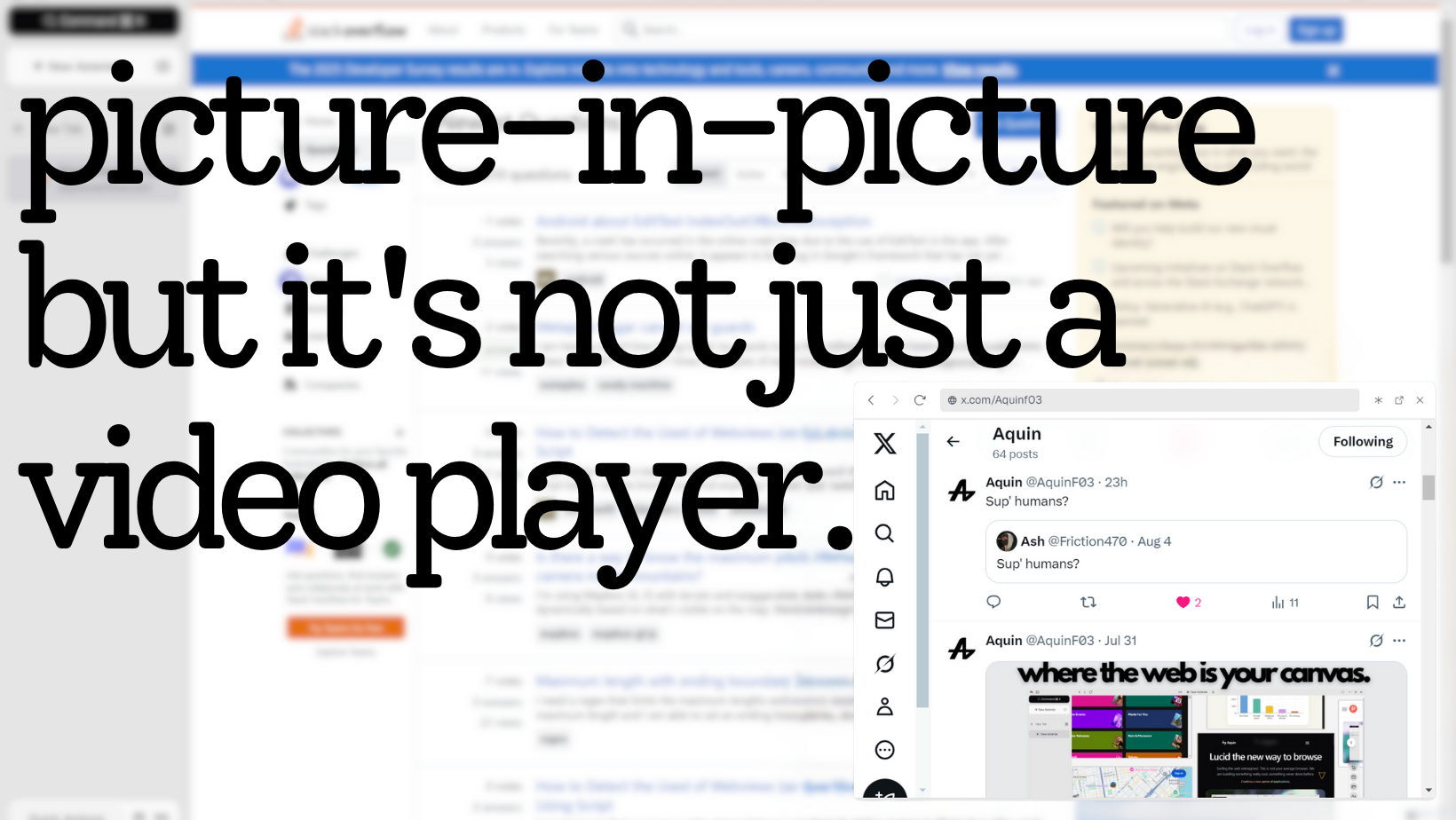
We treated picture-in-picture not as a media feature, but as a complete browsing paradigm. Floating windows maintained full capabilities—complete web page rendering, navigation, form submissions, JavaScript execution. Why should the container dictate the content's capabilities?
Pinned Searches: Your Research Constellation
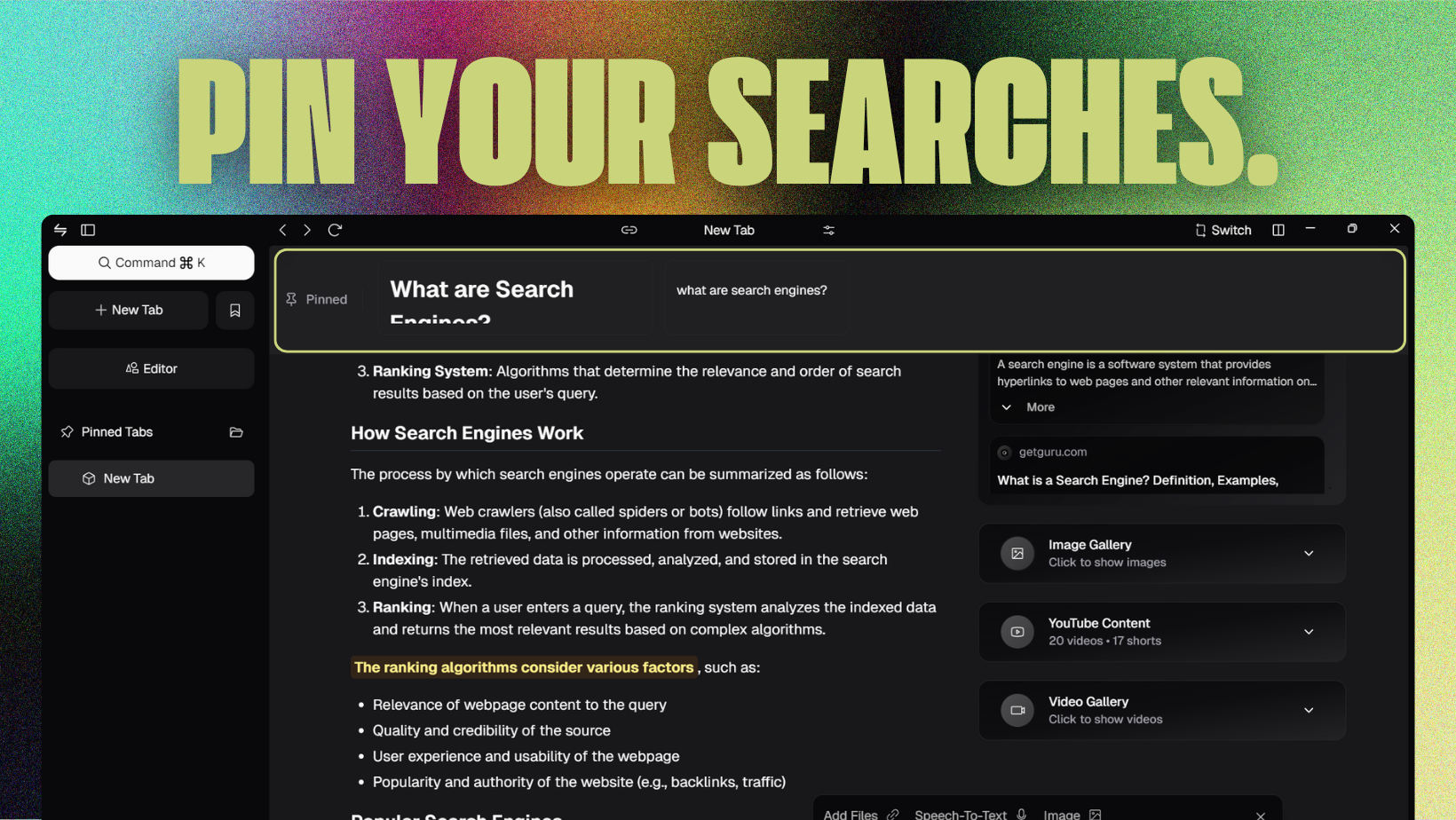
Pin any search to anchor it at the top of your view. Return to it anytime with a single click. We think in constellations, not linear paths—this feature recognized that fundamental truth about human cognition.
Universal File Intelligence
PDFs, Word docs, Excel spreadsheets, PowerPoint presentations, text files, code, JSON, Markdown—upload anything and search it instantly in the AI search engine. Complete folder uploads and zip archive integration. Edit files directly within the browser without downloading.
Tab Management Reimagined
AI Tab Titles
AI dynamically updated each tab's title based on what you were actually doing. Real-time, activity-based labels.
Traditional Browser: "Google Docs"
Aquin: "Editing Q1 Marketing Report - Google Docs"
Tab Groups
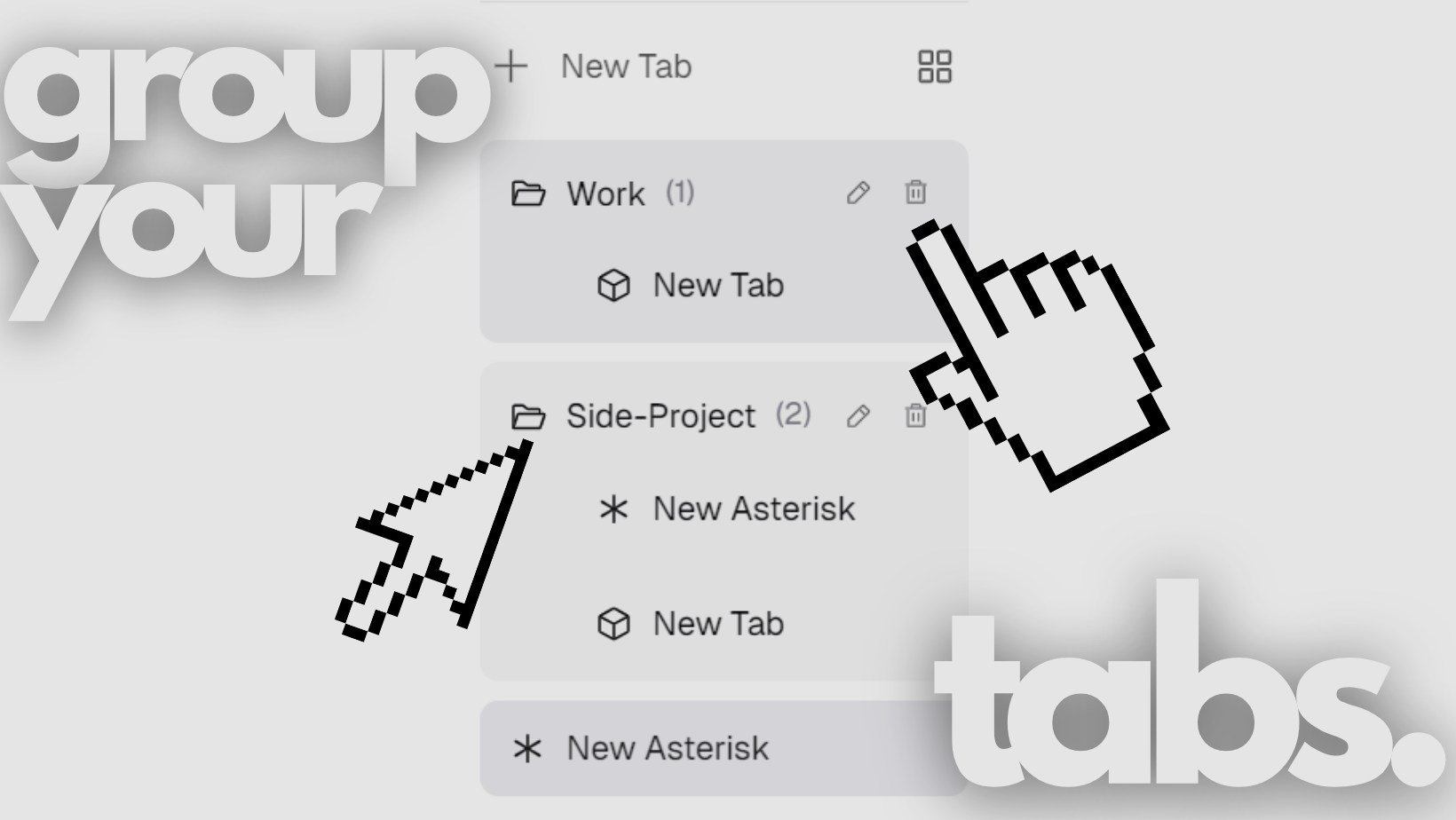
Group related tabs under collapsible headers. Assign titles. Switch between entire sets with one click. Tab groups encouraged "chunking"—reducing cognitive load by grouping related information.
Quick Actions & Zen Mode

Quick Actions provided intentional immediacy—a curated space of frequently visited websites and browser functions accessible with one click.
Zen Mode honored attention by hiding the sidebar and creating immersive, distraction-free environments. Reading mode, night mode, focused mode, custom opacity levels—all calibrated for different cognitive styles.
Security: Built Different
Watch: Cooked a Whole New Kind of Browser →
Popup blocking. Sandboxing. XSS protection. Malware scanning. HTTPS by default. SSL encryption. Content security policy. Memory-level protection. But here's the difference: we didn't collect your data. Period.
Every session ended completely when you closed Aquin. Green bars for granted permissions. Red bars for blocked threats. A "Back to Safety" screen when something suspicious happened. True security through clarity.
Features That Mattered
Custom Shortcuts: Personal command palettes. Clipboard Quick Access →: Screenshots, images, text—unified. Bookmarks & Pin Tabs → →: Always within reach.
We even built a video game inside the browser →. Because innovation isn't just about productivity—it's about reimagining what's possible.
What We Learned
Watch: We Asked People - Feedbacks →
We didn't build in isolation. We listened to real users, iterated constantly, and learned what actually mattered. This browser taught us about user needs, meaningful security, and how AI could genuinely enhance productivity.
This was our foundation. Every feature, every security layer, every design choice taught us something crucial. We built it from scratch, learned what worked, discovered what users truly needed.
And what we learned led us to pivot—to build something even more powerful, more focused, more ahead of its time. The browser was our training ground. What we're building now is the real vision.
This is where Aquin began. But it's not where we stopped.