
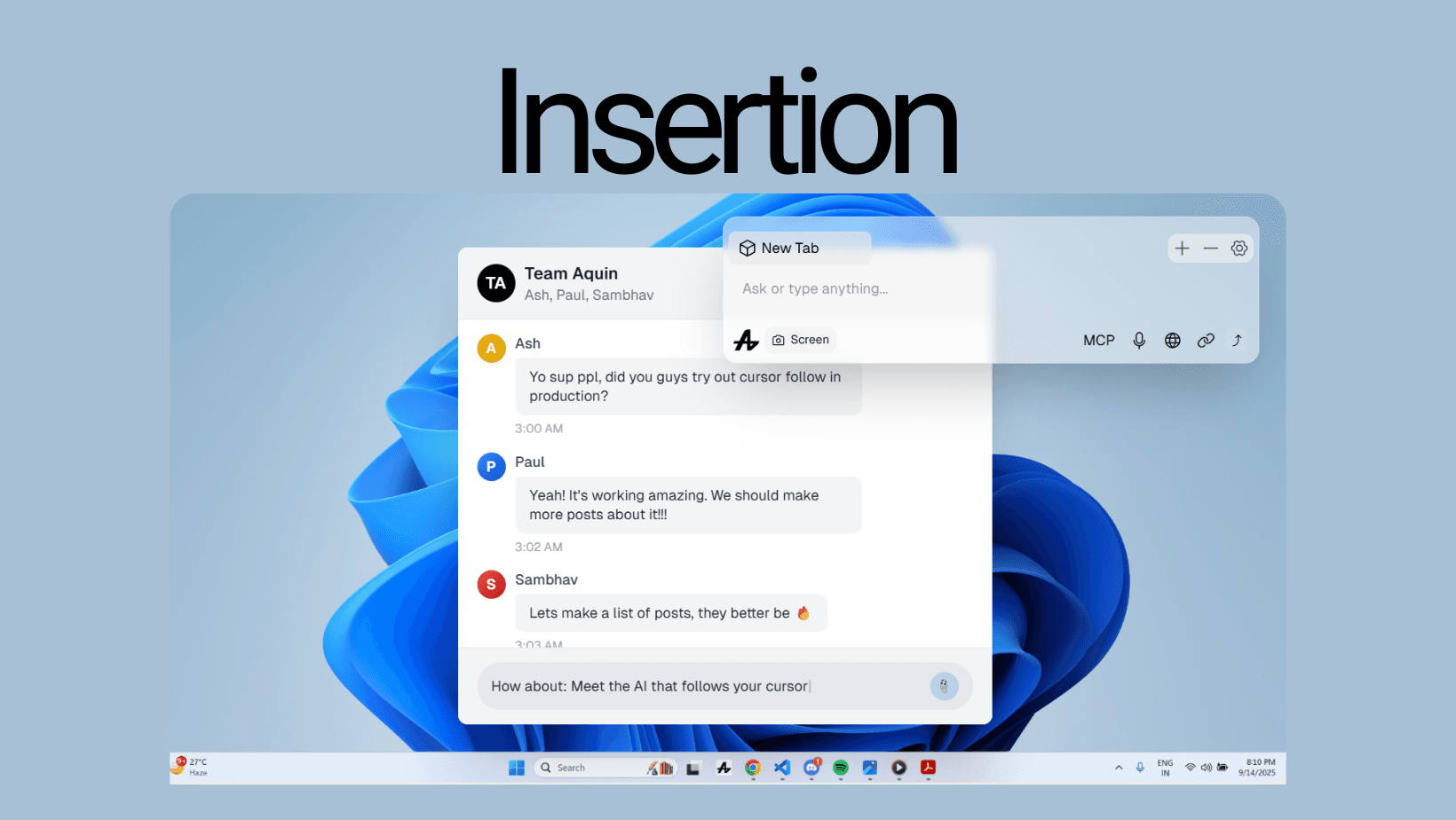
Insertion
AI That Types Where You Need It
Generate anywhere. Insert everywhere.
Copy Paste Problem
You've done this a thousand times:
- Ask AI a question
- Read the response
- Select and copy
- Switch back to your app
- Find where you were
- Paste
- Format and adjust
Seven steps just to use an AI response.
Ergo, Introducing Insertion
Ask Aquin anything. Get the answer. Click Insert. Done.
How It Works
Aquin generates responses that can be inserted directly into any input field, anywhere.
Gmail compose window? Insert. Slack message? Insert. Code editor? Insert. Google Docs? Insert. Twitter post? Insert. Any app, any website? Insert.
One click. Text appears exactly where you need it.
Scenarios:
Writing Emails
- You: "Write a professional follow-up email"
- Aquin: Generates email
- You: Click insert
- Gmail: Email appears in compose box
Coding
- You: "Create a React useState hook for form validation"
- Aquin: Generates code
- You: Click insert
- VS Code: Code appears at cursor position
Social Media
- You: "Make this tweet more engaging: [your draft]"
- Aquin: Improves it
- You: Click insert
- X: Better version appears in post box
Messaging
- You: "Respond to this professionally but friendly"
- Aquin: Crafts response
- You: Click insert
- Slack: Response appears in message field
Why This Matters
Without Insertion: Ask → Read → Copy → Switch → Find position → Paste → Adjust
With Insertion: Ask → Insert
That's 7 steps reduced to 2.
Insertion isn't just dumping text, it's intelligent.
Philosophy
Insertion embodies a simple truth: AI-generated content is only useful if you can use it easily.
We believe:
- Responses should go where you need them
- Copy-paste is a relic of the past
- AI should integrate seamlessly into your workflow
Insertion gives you two ways to work:
- Manual Mode lets you click to choose exactly which input field receives the AI response—perfect for precision and review.
- Auto Mode where Aquin automatically detects where you were last typing and inserts there instantly, no clicking required. Switch between modes in settings based on your workflow.
can be toggled between through settings
Future
Insertion is just the beginning. Imagine, Multi-location insertion - insert into multiple places at once, Smart suggestions - "Want to insert this here?", Template insertion - save and reuse common insertions, Collaborative insertion - team members can insert into shared documents
Stop copying. Start inserting.